Your time, wrapped.
Drop your Timex SQLite file and we'll generate a Spotify-Wrapped-style report — top apps, AI hours, longest session, busiest day, breaks. Built entirely in your browser using sql.js (WebAssembly). Don't have a file? Try the demo.
Drop your timex.sqlite or .zip file here
Don't know where it is? See how to export from Timex ↓
Your file stays in this browser tab. Nothing uploaded, ever. Plain .sqlite or the .zip from Timex's "Export your data" both work.
Where do I get my Timex file?
- 1 Open Timex on your Mac and click the gear icon in the bottom tab bar.

- 2 Scroll to "Database" and click "Export…"— Timex writes a small
.zipwrapping a singletimex.sqlitefile.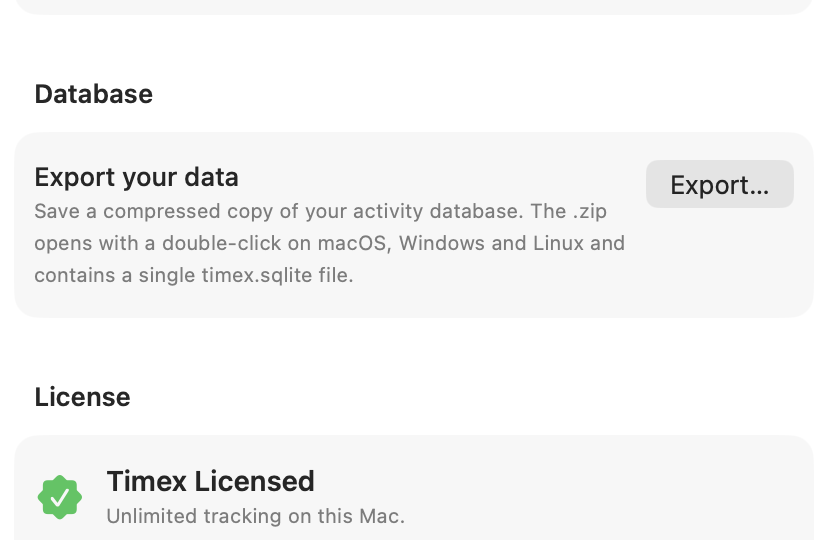
- 3 Drop the .zip on this page. The Export route is the right one — it uses SQLite's
VACUUM INTO
Advanced: the live file is at ~/Library/Application Support/io.muvon.timex/timex.sqlite if you'd rather open it directly.
Nothing uploaded. Your file stays in this browser tab. If you don't have Timex yet, use the "Open demo data"